Catalogs vs. Booklets: Which Is Right for Your Business?
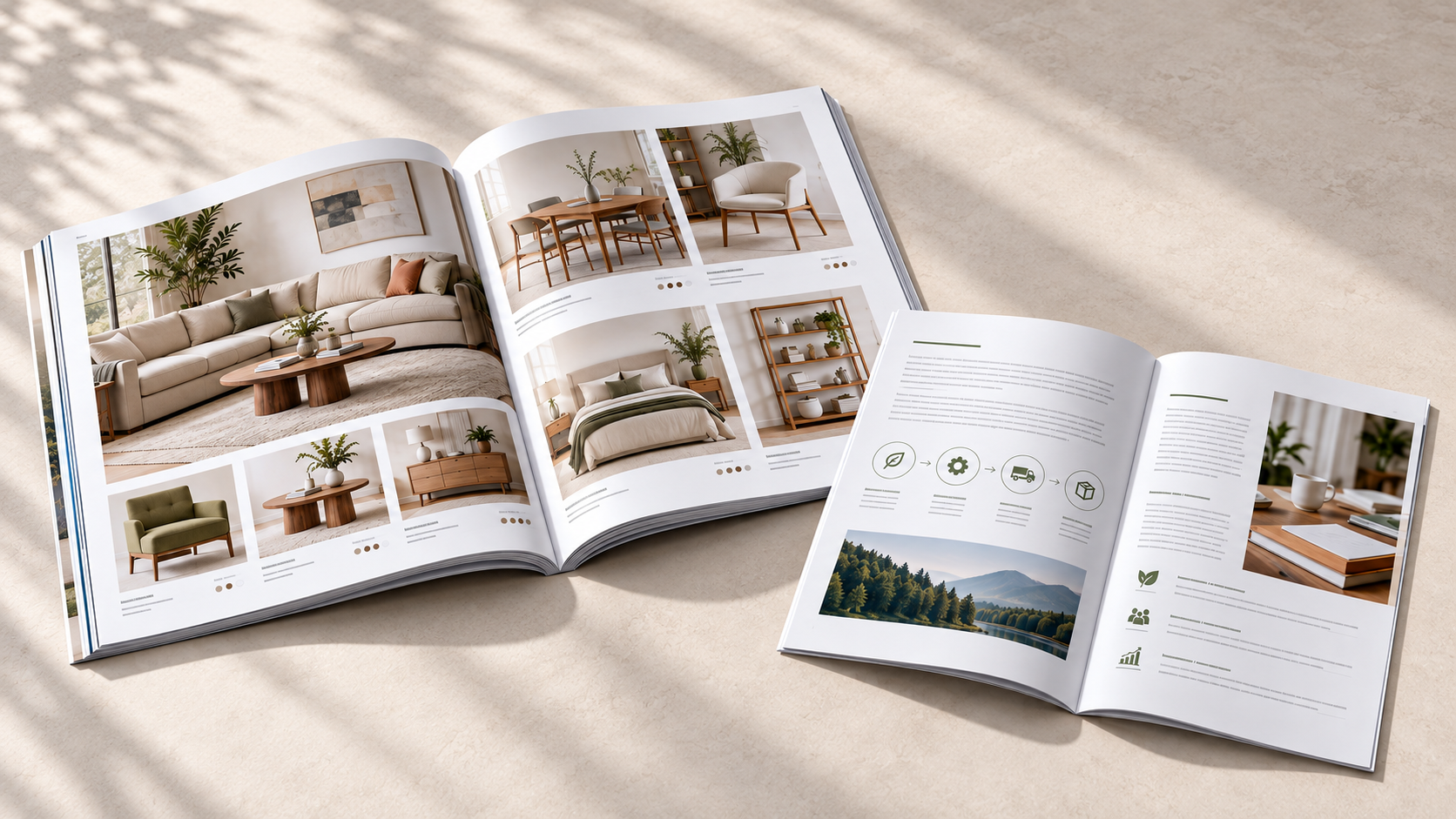
Sometimes a flyer or brochure is all you need. Other times, you’ve got more to say.
Maybe you want customers to browse an entire product line. Maybe you need to explain your services in more detail, create a training guide or give someone something useful they can refer back to later.
That’s where catalogs and booklets come in.
While catalogs and booklets can look similar, they work differently for different types of communication. A catalog is usually built for browsing and comparing. A booklet gives you more room to explain, educate or walk someone through information.
So how do you know which one fits your project?
Start with what you want your reader to do.
Are you helping them browse or helping them understand?
That’s often the easiest way to think about the choice.
If you want someone to flip through a collection of products, services or options, a catalog may be the better fit.
If you need to explain something in more detail or organize information into sections, a booklet may make more sense.
Here are a few examples:
If you want to... | Consider... |
Showcase a product collection | Catalog |
Present seasonal products or promotions | Catalog |
Help customers compare options | Catalog |
Create a product lookbook or directory | Catalog |
Explain your services in more detail | Booklet |
Create a training or educational guide | Booklet |
Present a company profile | Booklet |
Build an event or informational guide | Booklet |
Showcase a portfolio | Booklet |
There’s some overlap, of course. A retailer could use either format depending on what it wants the piece to accomplish.The goal is to choose the format that makes the information easiest for your audience to use.
When a catalog makes sense
Think about the way you shop through a catalog.
You probably don’t start on page one and read every sentence. You flip through it, scan the images, find the section that interests you and compare your options.
That’s exactly what a good catalog should make easy.
Catalogs are especially useful when you’ve got a group of products, services, properties or other offerings you want customers to explore.
For example:
A retailer could feature a new seasonal collection.
A manufacturer might organize several product families with descriptions and specifications.
A real estate company could present a selection of properties.
A service business could show different packages or solutions in one easy-to-browse piece.
Once you know you need a catalog, think about how many pages you need, how often the piece will be used and what kind of experience you want to create when someone picks it up.
Saddle Stitch Catalogs
Saddle stitching is industry terminology for,“stapled along the spine”, and works well for things like:
- Seasonal collections
- Lookbooks
- Event programs
- Promotional catalogs
- Smaller product lines
If your catalog is relatively compact, a Saddle StitchCatalog may be all you need.It gives you enough room for strong visuals, descriptions and calls to action without creating a heavy publication.
Perfect Bound Catalogs
If you’ve got a lot more to show, a Perfect Bound Catalog can give the piece a more substantial, book-like feel.
It can be a good fit for:
- Larger product directories
- Extensive collections
- Annual publications
- Detailed product presentations
- Larger service or capabilities catalogs
When a booklet makes sense
Instead of asking readers to browse a collection, you may want to explain a process, introduce your company, train a team, tell a story or organize detailed information into smaller sections.
A booklet gives you room to slow things down a little.
Imagine a contractor creating a booklet that explains its renovation process from consultation through completion. Or a financial services company putting together a guide that walks new clients through what to expect.
In both cases, the reader needs more than a list of options. They need information presented in a clear order, for:
- Company profiles
- Service guides
- Training materials
- Employee or customer manuals
- Event guides
- Educational materials
- Portfolios
- Programs
- Product information
Think about where the piece is going – and how quickly information changes.
Will you:
- Hand it out during sales meetings?
- Display it at a retail counter?
- Bring it to trade shows?
- Include it in a presentation folder?
- Mail it to customers?
- Leave it behind as a reference piece?
Choose paper based on how the piece will be used
When you’re comparing paper options, there isn’t one “best” choice. Think about what’s on the pages and how people will use them by asking:Will people browse it, read it closely, write in it or keep coming back to it?
Use the answer to guide your paper and finish choices, then check the available options for the catalog or booklet you’re ordering.
A product catalog or portfolio booklet filled with photography may benefit from a gloss finish that gives the visuals a polished look.
A detailed catalog with plenty of specifications or a booklet with longer sections of text may suit a less reflective surface that’s comfortable to read.
If readers need to make notes, mark their selections or complete exercises, an uncoated stock may be a practical choice.
Paper weight matters, too. A heavier cover can give a piece a more substantial feel, while lighter inside pages can help keep a longer publication manageable.
Plan the content before you choose the page count
It’s tempting to pick a page count first and then try to fill it.
Flip that process around.
Start by outlining what your reader truly needs.
- Front cover
- Introduction
- Product categories
- Featured products
- Specifications or options
- Ordering information
- Contact details
- Back cover
- Front cover
- Introduction
- Company or topic overview
- Individual sections
- Examples or supporting information
- Frequently asked questions
- Next steps
- Contact information
Once you see the content laid out, you’ll have a much better idea of how many pages you need.
And remember: more pages don’t automatically make the piece more valuable.
If two sections are saying the same thing, combine them. If an important product or idea is getting buried, simplify the page.
Make it easy to flip, scan and find information
People don’t always read printed materials from beginning to end.
They scan headings. They look at photos. They flip ahead. They go back to something they remember seeing a few pages earlier.
If every product page follows a similar layout, readers quickly know where to look for the name, image, description and specifications.The same applies to a booklet. When headings, subheadings and supporting information follow a familiar pattern, the piece feels easier to use.
To help your design make all of that easy, use:
- Clear section headings
- Consistent page layouts
- Strong photography
- Short, readable sections
- Easy-to-find product details
- Page numbers when they’re helpful
- Plenty of white space
- Visual cues between sections
Let print and digital work together
Some information is better kept online, especially if it changes often.
To give your printed piece a longer useful life while still giving customers access to current information, add aQR code thatsends readers online and directly to:
- Current pricing
- Product availability
- An online store
- A demonstration video
- A quote request
- An appointment calendar
- Detailed specifications
- A downloadable resource
Butdon’t make people guess what the QR code does, for example: “Scan to see current colors and availability”.
You’ll also want to think about how quickly the information changes.
If your products or pricing change often, a smaller print run may give you more flexibility. If the content will stay relevant for a long time, you may want something more substantial that’s designed to be kept.
These decisions can help you choose the right size, page count, paper, binding and quantity before your designer starts building the final artwork.
So, catalog or booklet?
It always comes back to the reader.
If they need to browse and compare a collection, a catalog is probably the better place to start.
If they need to learn, understand or work through information, a booklet may be a better fit.
Once you know what you want the reader to do, the rest of the decisions get easier.
You can choose the format, page count, binding, paper and finish around the experience you’re trying to create — instead of trying to squeeze your content into a format that doesn’t quite fit. Still not sure? Download the templates and guidelines for booklets and catalogs.
Explore Print Office Catalog and Booklet options to find the right fit for your project.